
Forum - Dark Mode
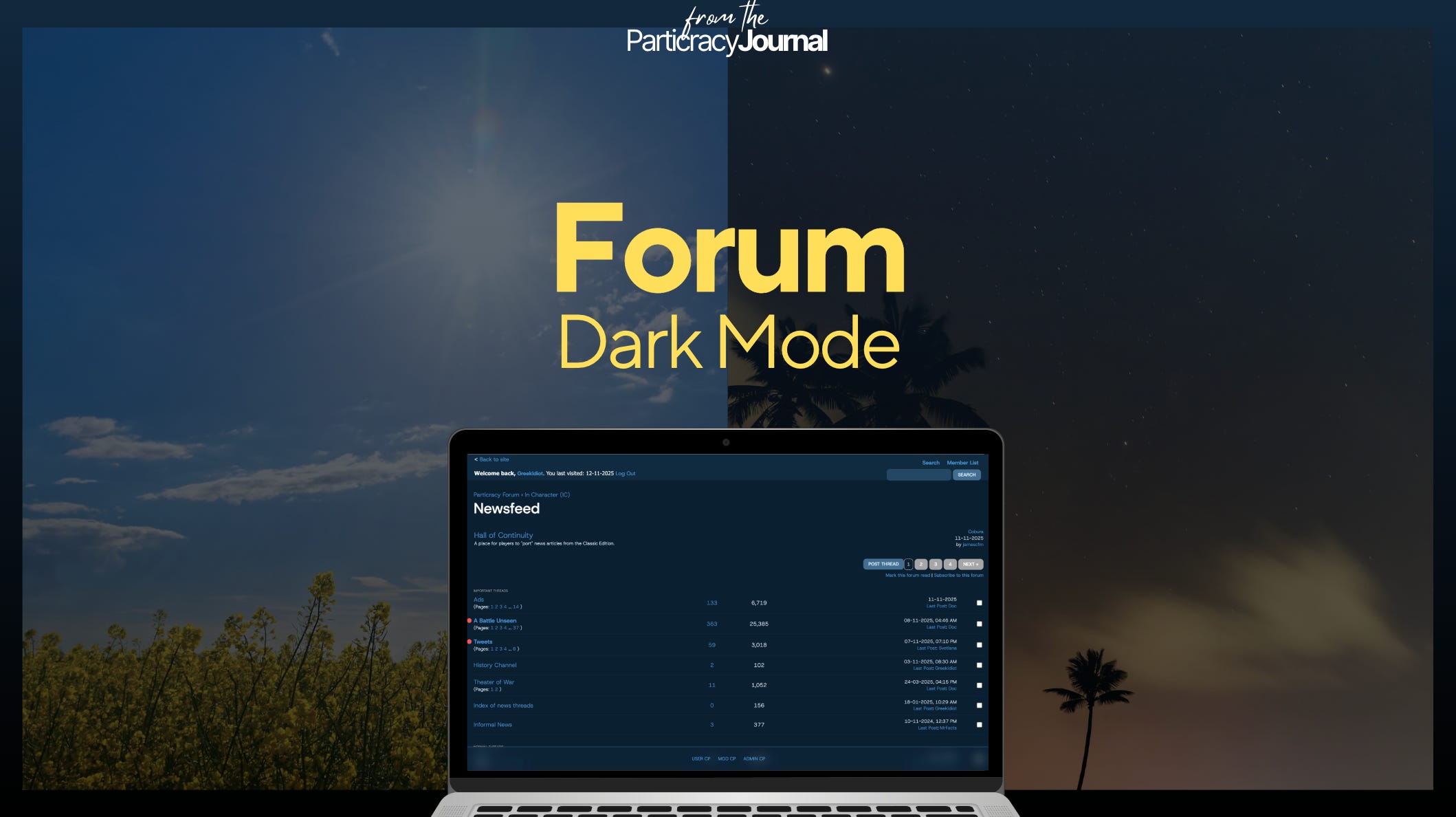
This is the first live view into how Legacy will look and feel like. Meet the new dark mode for Particracy Legacy.
Shoutouts: Zanz, Doc and Louis for their feedback
Changelog
New goodies
Dark mode!
Changes
Scheme update for main colors
Layout adjustments based on the dark mode
Fixes
Missing edit/delete buttons for post drafts in the User CP
Discrepancies with the post editor (vs how the post actually looks)
A little bit of context
What should immediately stand out with our updated forum is:
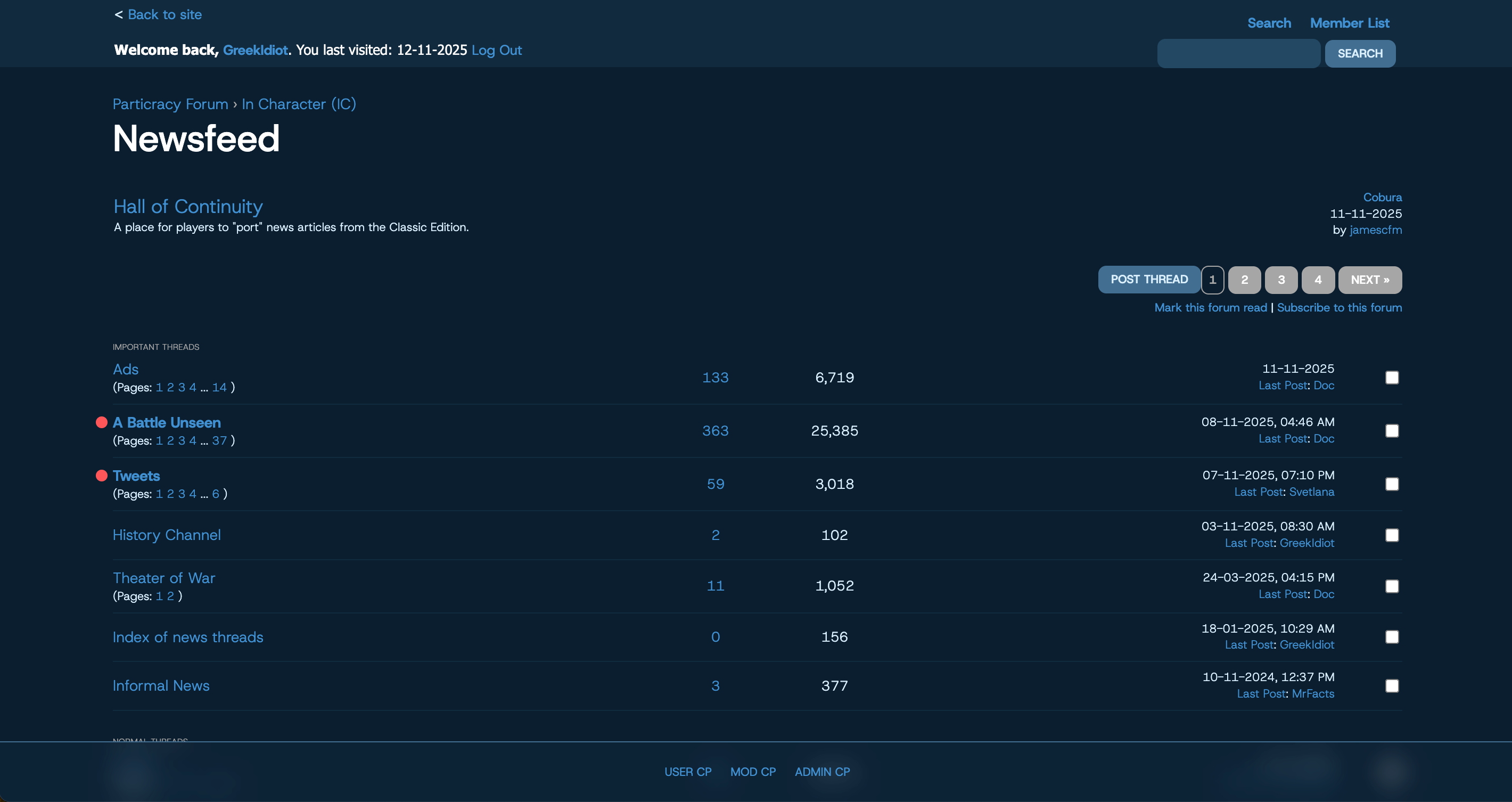
First, the blueish theme - with everything else intentionally popping up above the core layers: the unread dot, the buttons, the inputs, and so forth.
Second, the bottom-up navigation - the top part is essentially a giant breadcrumb: go back; whereas the bottom part is actually how you navigate.
More items will be added/moved on the bar that you see on the bottom of the page.

Finally, the “command center” layout: imagine on the screenshot above that you’re seeing political parties, treaties, ethnicities, and so forth.
Generally speaking, what you see on https://forum.prtcy.com is, more or less, how prtcy.com will look like after the launch, making the experience across both the FUI and the UI as seamless as possible.
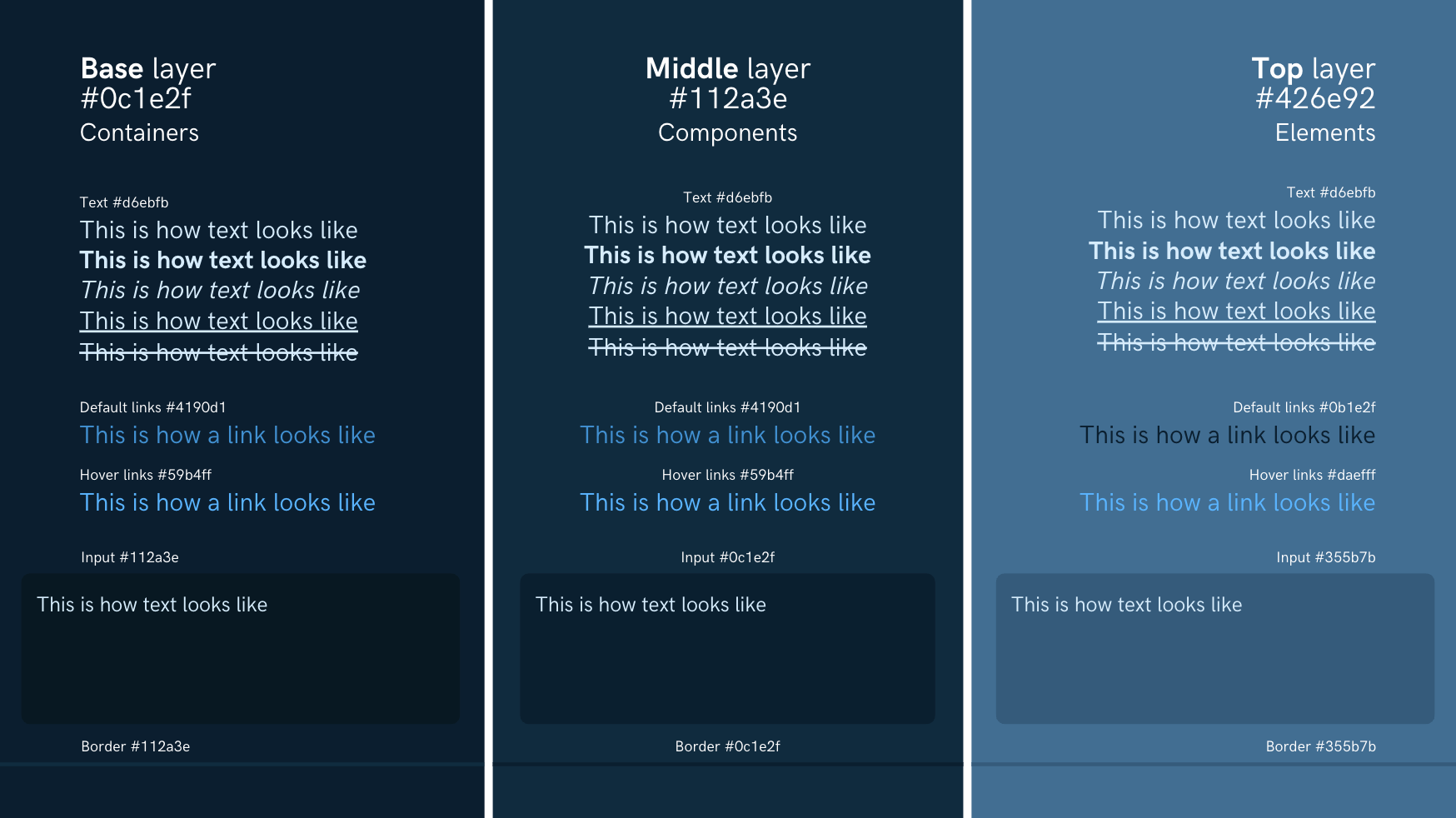
The style guide for forum posts remains available for players looking to figure out the new theme, on https://forum.prtcy.com/thread-492.html.
Next up for the forum
The development pipeline can be found on https://forum.prtcy.com/thread-490.html.
Completion of the navigation, incl. mobile responsiveness
Input changes, incl. fixes for the post editor
Fixes and adjustments as needed, so make sure to voice your feedback on Discord and help generate discussions with the community
Missed the previous update?